Gmail
Information
-
DeveloperGoogle LLC
-
Package Namecom.google.android.gm
-
CategoryCommunication
-
App NameGmail
-
Version2025.12.01.843385623.Release
-
Rating4.2
ADVERTISEMENT
Origins of Gmail
Gmail, a flagship product by Google, was launched in 2004 as a free email service to revolutionize online communication. It offered 1 GB of storage, a generous amount compared to competing services at the time. Today, the free Gmail app, available on several platforms, continues to set the standard for seamless email experiences.
Over time, the Gmail app evolved to meet the demands of modern users, keeping up with the fast-paced technological advancements. With features like robust security, real-time notifications, and multiple account support, Gmail APK downloads surged, becoming a staple for Android and iOS users alike. With each update, installing Gmail keeps getting easier and more beneficial.
Gmail Features
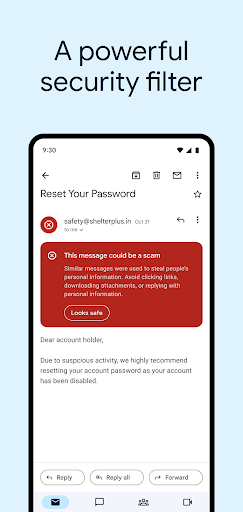
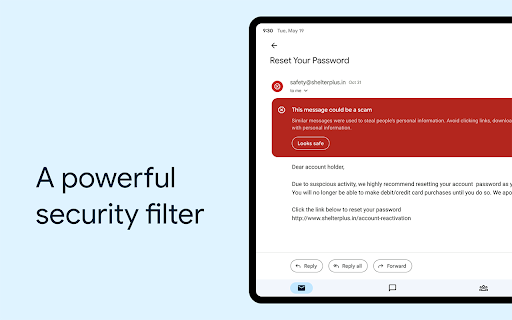
1. **Robust Security and Spam Blocking**: The Gmail app is renowned for its exceptional security measures. It automatically blocks more than 99.9% of spam, phishing attempts, and malware, ensuring that users' inboxes remain clean and secure. This high level of protection is consistent whether you login on Android, iOS, or via the Gmail APK download.
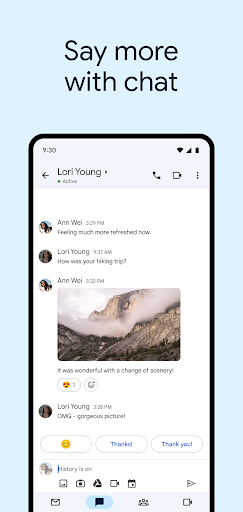
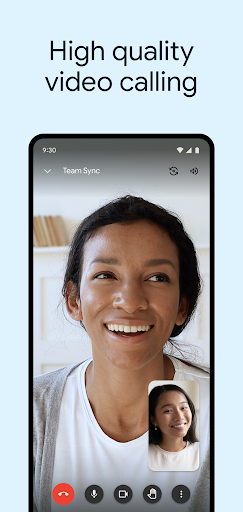
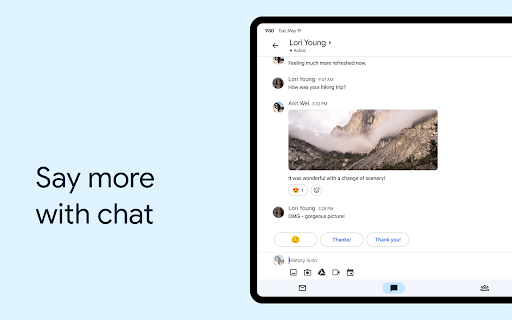
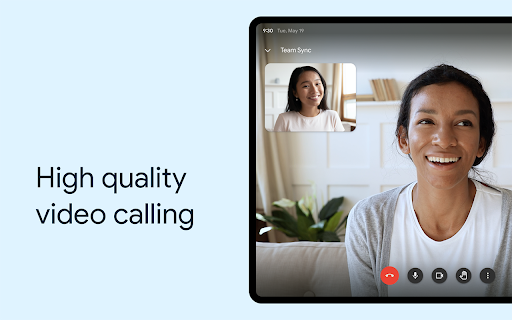
2. **Google Chat and Google Meet Integration**: Beyond email, the Gmail app integrates seamlessly with Google Chat and Google Meet, which empowers users to create and collaborate effortlessly. Whether you're on Android or iOS, utilizing these features enhances productivity and allows for streamlined communication through the free Gmail app.
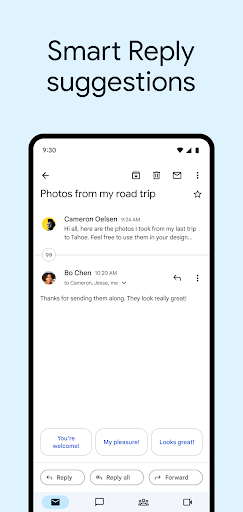
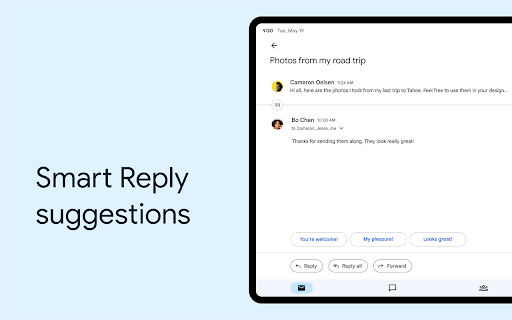
3. **Smart Features and Efficiency**: The app includes Smart Reply and Smart Compose for quick responses, along with suggested actions and grammar suggestions. These tools are designed to help you write emails faster and with fewer errors. Additionally, installing Gmail provides users with instant mail search capabilities, with predictive results and spelling suggestions.
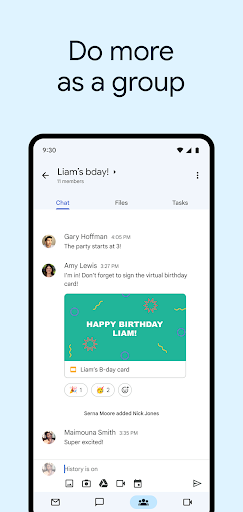
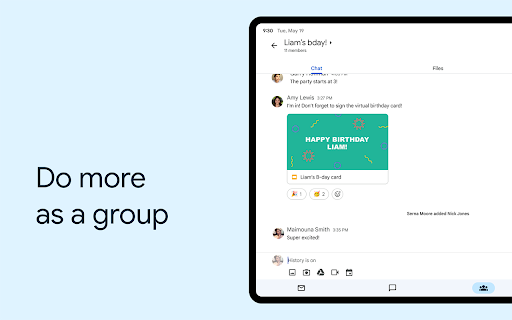
4. **Group Collaboration in Spaces**: Gmail now includes Spaces, a dedicated area for group work. This feature facilitates the organization of people, topics, and projects, making collaboration easier. Whether it's a business endeavor or a personal project, the Gmail app ensures users stay connected and organized.
5. **Wear OS Compatibility**: Staying productive on the go is simplified with Gmail’s integration with Wear OS. This compatibility means you can download Gmail to your smartwatch, ensuring you can manage your emails without needing to access your smartphone, which makes Gmail installation even more convenient.
How to Use Gmail
To get started with the Gmail app, follow these steps:
1. **Download and Install Gmail**: Begin by accessing the Google Play Store or Apple App Store to download Gmail. For Android users, the Gmail APK can be downloaded directly for those who prefer manual installation. Follow the prompts to install Gmail and get set up on your device.
2. **Gmail Login Process**: Once installed, open the app and login Gmail using your credentials. If you don't have an account, the app will guide you through the signup process. It's as simple on iOS as it is on Android.
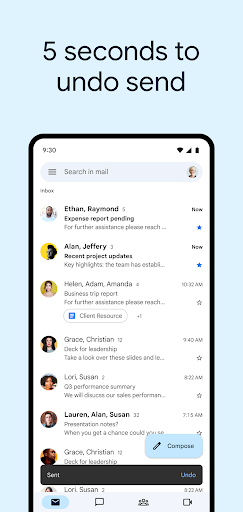
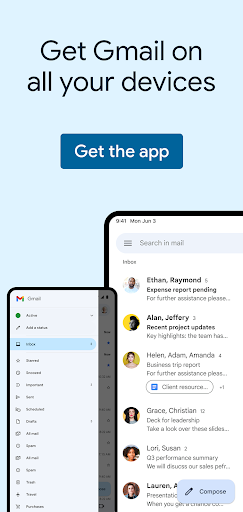
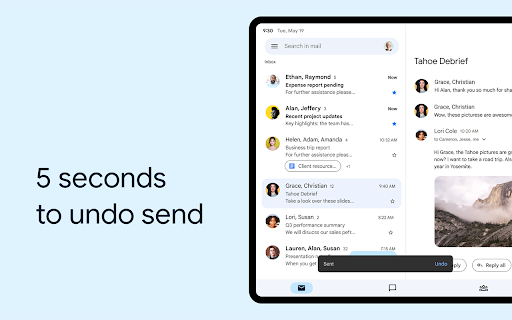
3. **Navigating the Interface**: After logging in, explore the intuitive interface. Your inbox is front and center. Use the search bar to quickly find emails, and the compose button to create new emails effortlessly. The Gmail app is designed to be user-friendly, whether you're using Android, iOS, or the Gmail APK version.
4. **Utilize Smart Features**: As you compose or respond to emails, make use of Smart Reply and Smart Compose to expedite your communication. These tools help reduce typing, allowing for efficient operations across Android and iOS.
5. **Manage Notifications**: Tailor your notification settings by accessing the app settings. The Gmail app offers a customizable notification experience, letting you decide what’s important. This is particularly useful when managing multiple accounts after a Gmail download.
Hidden Tips
1. **Keyboard Shortcuts**: For desktop users, Gmail offers keyboard shortcuts to boost your productivity. While these aren't accessible directly in the Gmail app, once you've downloaded Gmail, sync your usage habits across platforms for efficient management.
2. **Offline Emails**: On Android and iOS, use Gmail's offline features to read and respond to emails without an internet connection. Before you install Gmail, ensure that you understand how to enable this feature through the app settings for uninterrupted productivity.
3. **Advanced Search Operators**: Whether you’ve completed a Gmail download on Android or iOS, leverage search operators for a refined search experience. Commands like “from:” and “is:unread” can help you locate specific emails faster.
4. **Email Scheduling**: Schedule emails to be sent later straight from the Gmail app. This feature is handy for managing different time zones or ensuring your email hits the recipient's inbox at the perfect moment. This enhances your email strategy without requiring additional apps, regardless of your platform of choice.
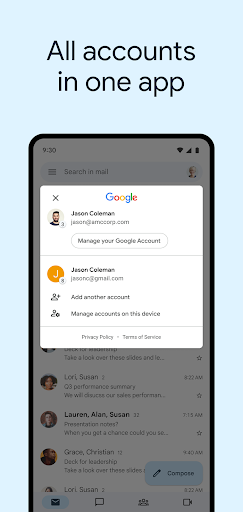
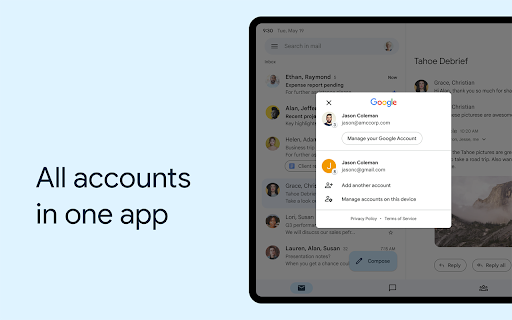
5. **Manage Multiple Accounts Efficiently**: Manage multiple email accounts within a single app. After you download Gmail, you can easily switch between personal and professional profiles. This flexibility makes the Gmail APK offer versatile for individuals juggling various responsibilities.
In conclusion, the Gmail app remains a powerhouse tool for digital communication, combining ease of use with robust features. Whether you view it as the free Gmail app on iOS or via Android's Gmail APK options, downloading Gmail provides users with a seamless email experience. With its continuous updates and user-centric upgrades, installing Gmail positions individuals and teams for effective email management and collaboration. As technology progresses, so will Gmail, ensuring it remains at the forefront of email productivity tools.
ADVERTISEMENT